
Batch-creating a week of content in one sitting
 AI-generated
Batch-creating a week of content in one sitting
Stop generating one piece at a time. Use Batch Ads and Boards to produce a full week of content in a single session.
Introduction
Content calendars demand volume. Instead of generating one image at a time, use the Batch Ads tool to create multiple variations in one run, then organize them on a board for the week ahead.
How to Use
New board: Week of July 8
Create a board for the week
Go to Boards and create one named 'Week of July 8'. Set it as your active board.
 AI-generated
Open Batch Ads
In Tools, open Batch Ads. Upload your product photo and select your model.
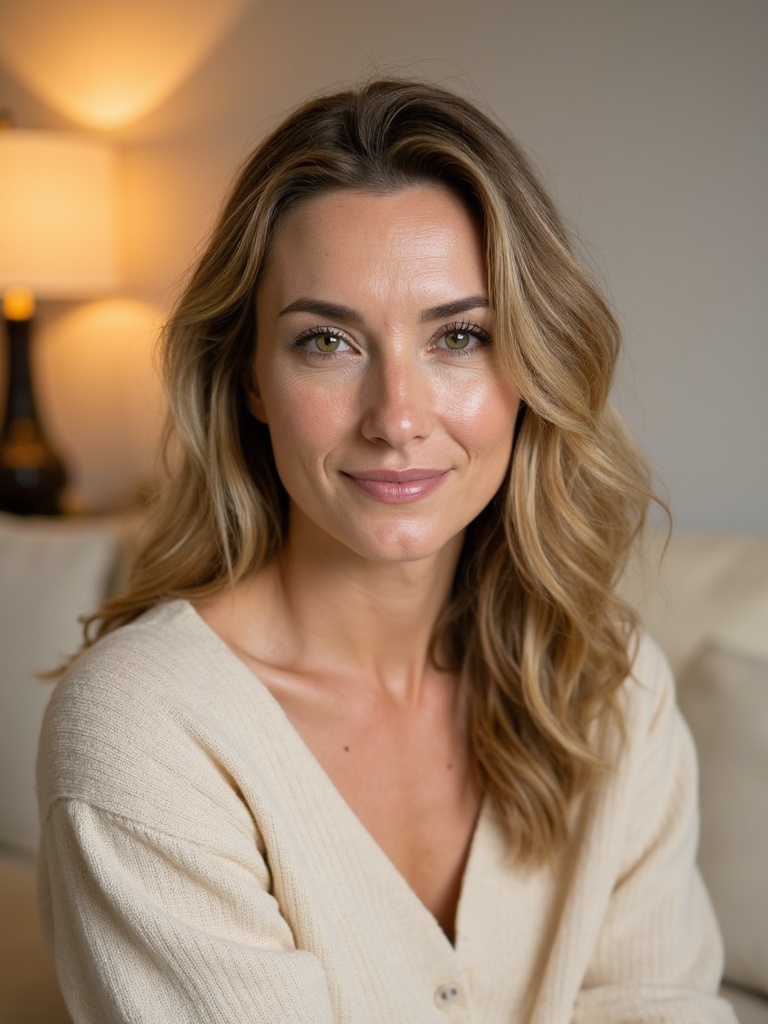 AI-generated
Write variations
Write 5–10 prompt variations — different settings, angles, and expressions. The tool generates them all in one batch.
 AI-generated
Review on the board
All results land on your active board. Review, pick the best, and schedule them in Publishing for the week.
Vary the setting, not the product
Keep the product consistent across variations but change the setting, outfit, and angle. This creates variety while keeping the campaign coherent.
Video Guide
Full walkthrough video coming soon
Samples
See what this tool creates
 AI-generated
Sample 1
 AI-generated
Sample 2
 AI-generated
Sample 3