Motion presets: which one for which platform
 AI-generated
Motion presets: which one for which platform
The right motion preset makes a video feel native to its platform. Here's a quick reference for matching motion to format.
Introduction
Motion presets control how the camera moves in your generated video. The right preset makes content feel native to its platform — the wrong one makes it feel off.
How to Use
 AI-generated
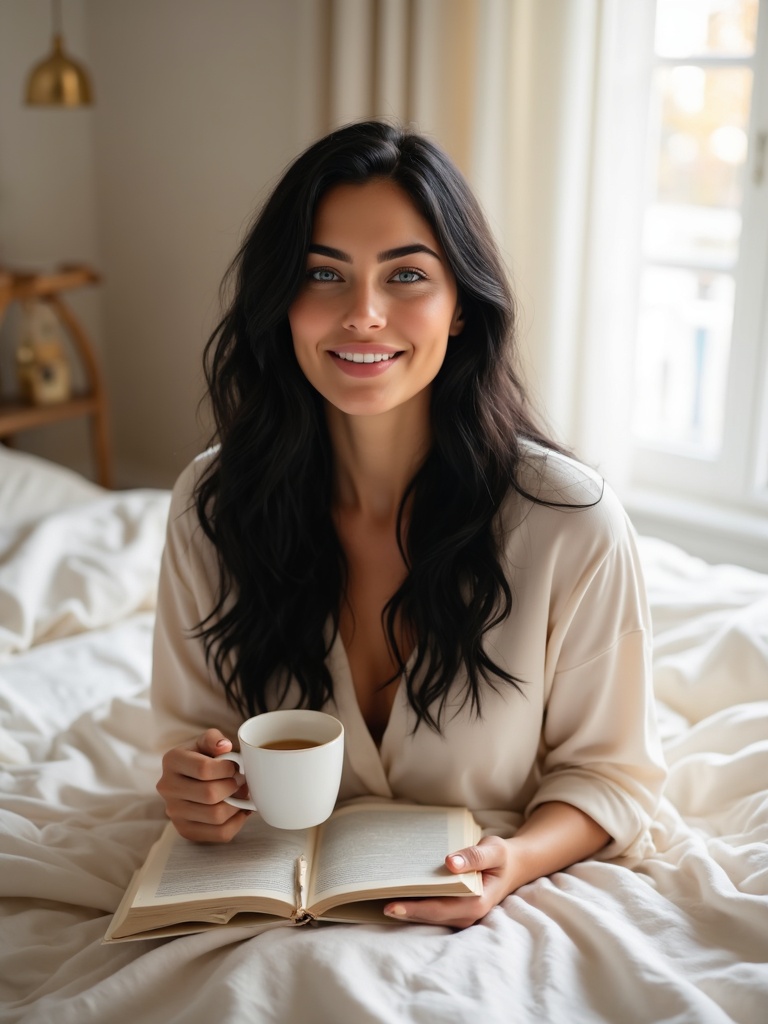
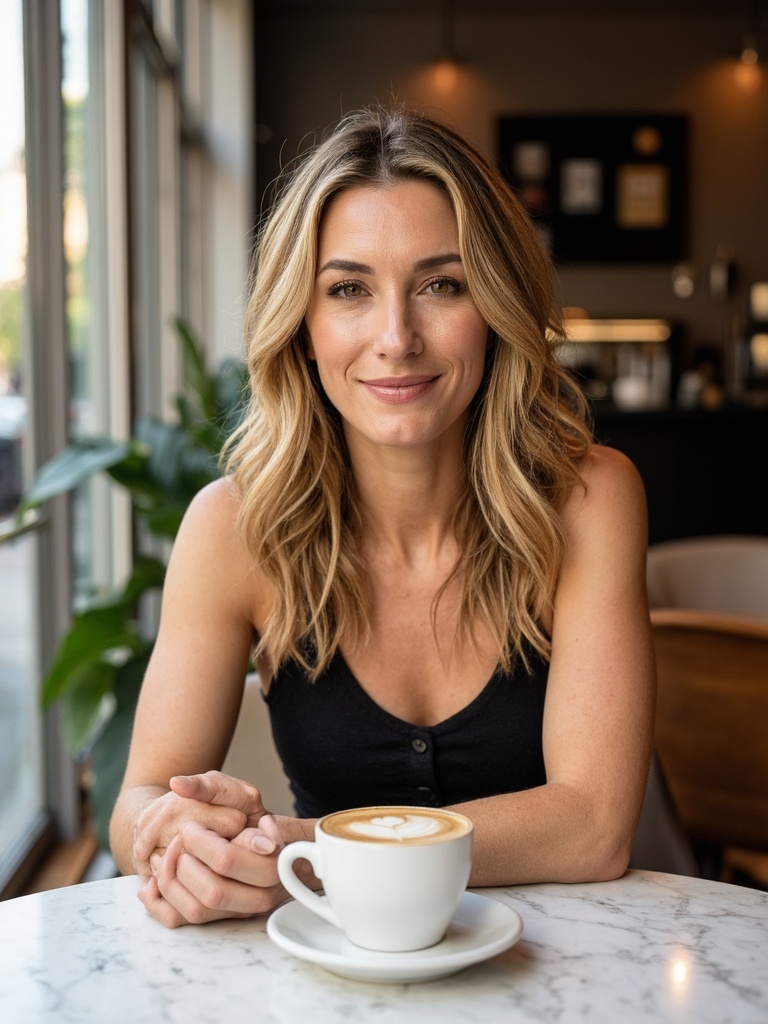
Dolly In — products & reviews
Slow push toward the subject. Best for product reveals, unboxing, and beauty close-ups. Works in 9:16 and 1:1.
 AI-generated
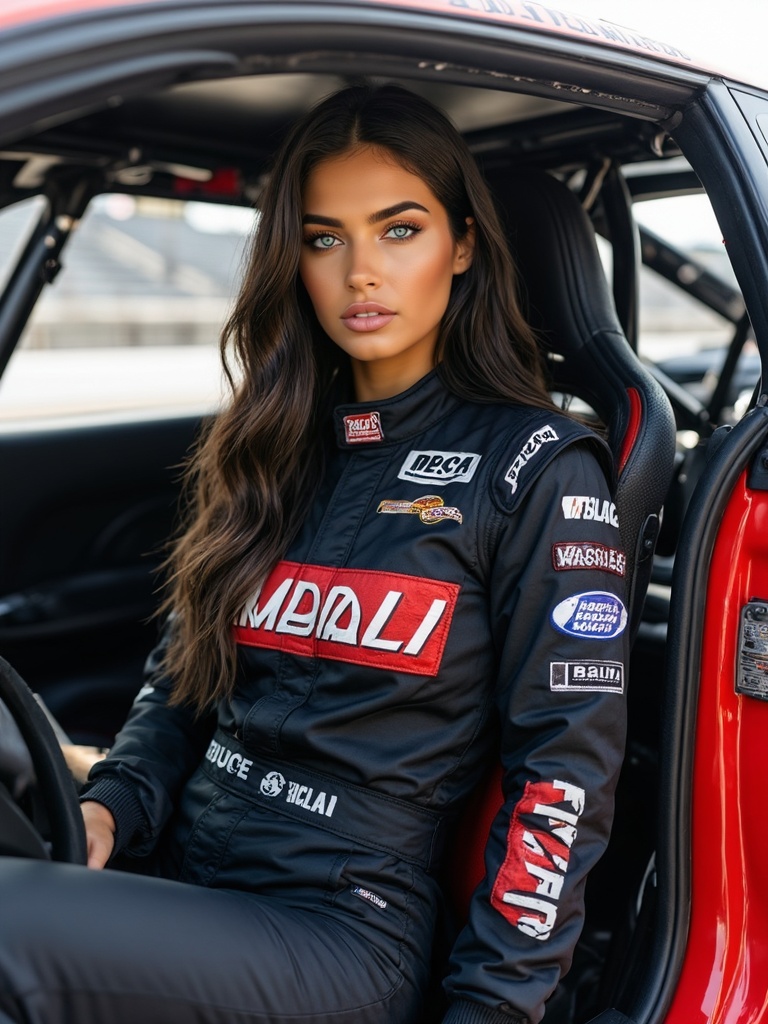
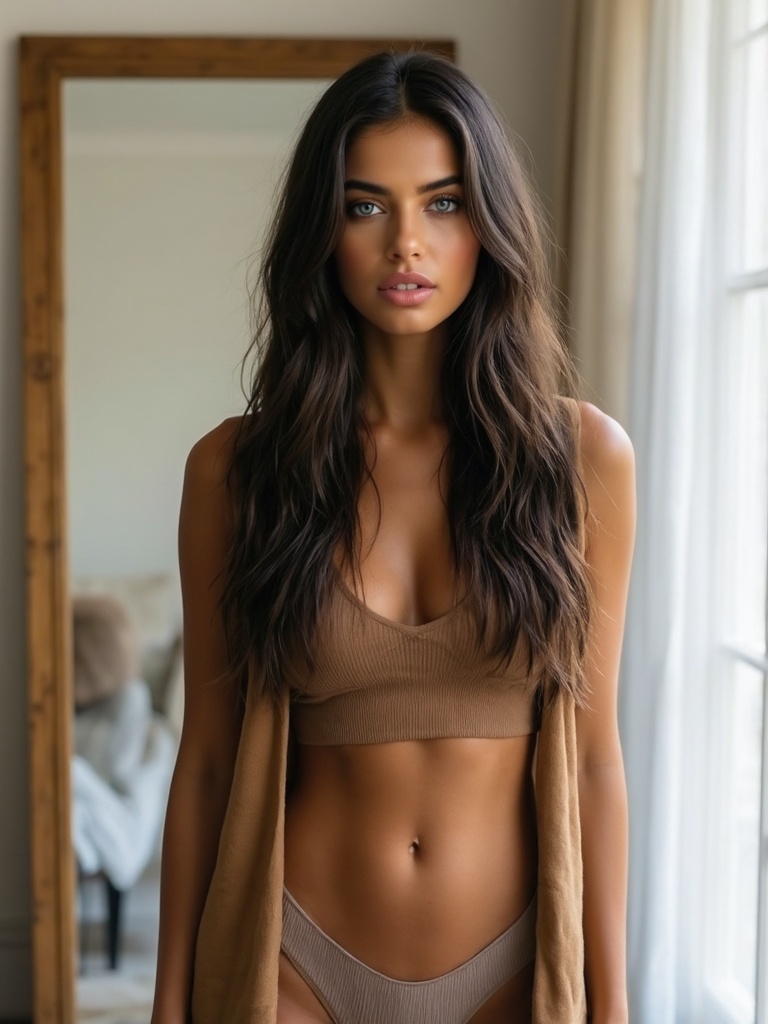
Handheld — gym & lifestyle
Dynamic, energetic camera shake. Best for workout content, street style, and high-energy ads. 9:16 for Reels/TikTok.
 AI-generated
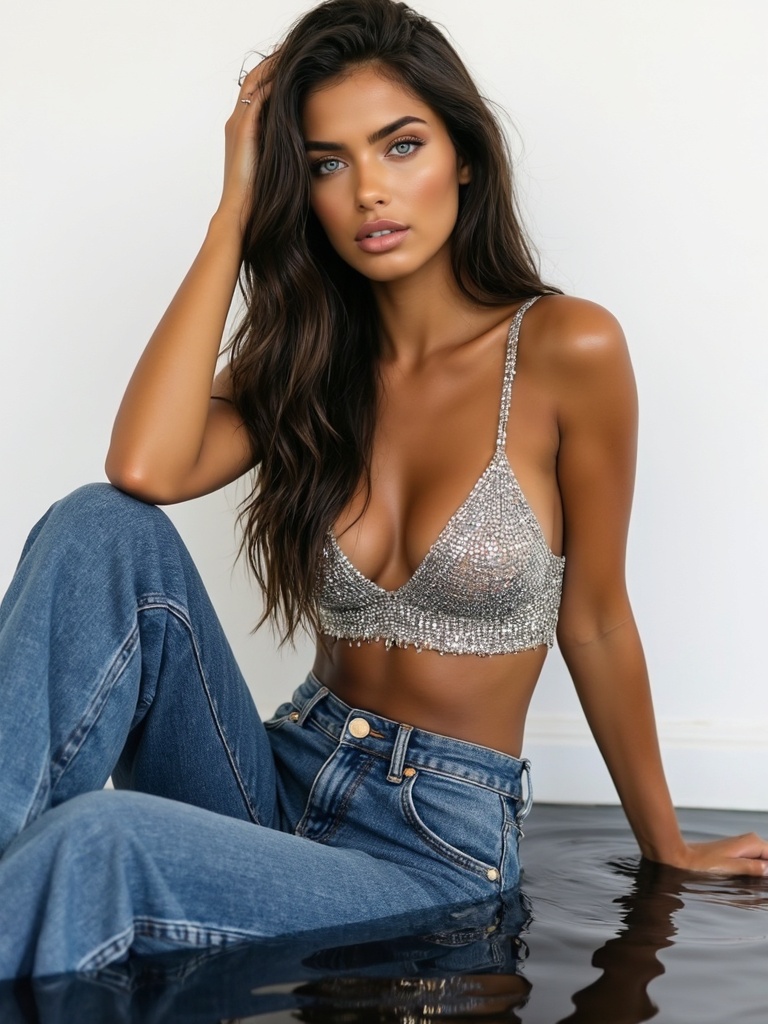
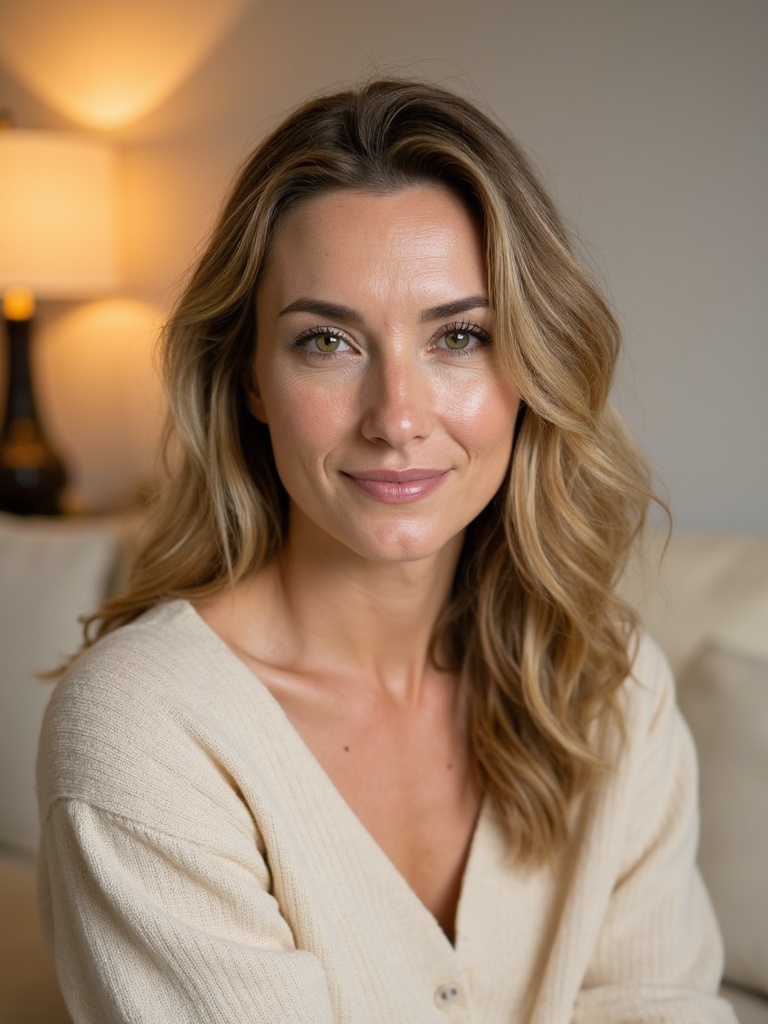
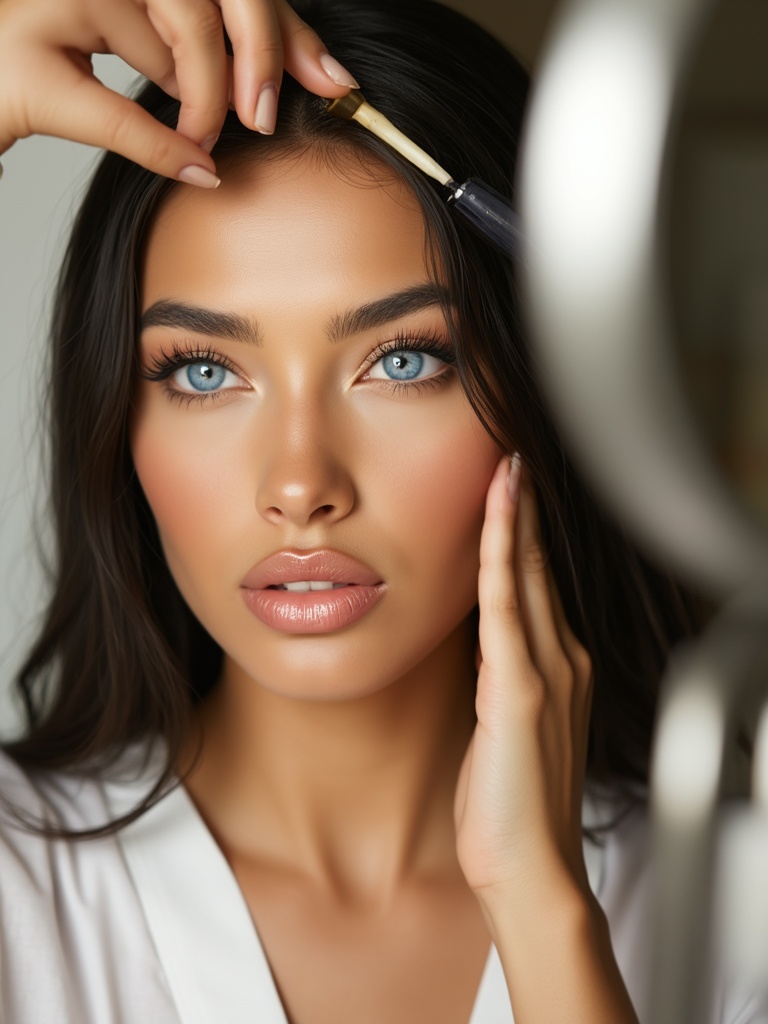
Orbit — fashion & editorial
Camera circles the subject. Best for outfit reveals, fashion spins, and product rotates. 1:1 or 16:9.
 AI-generated
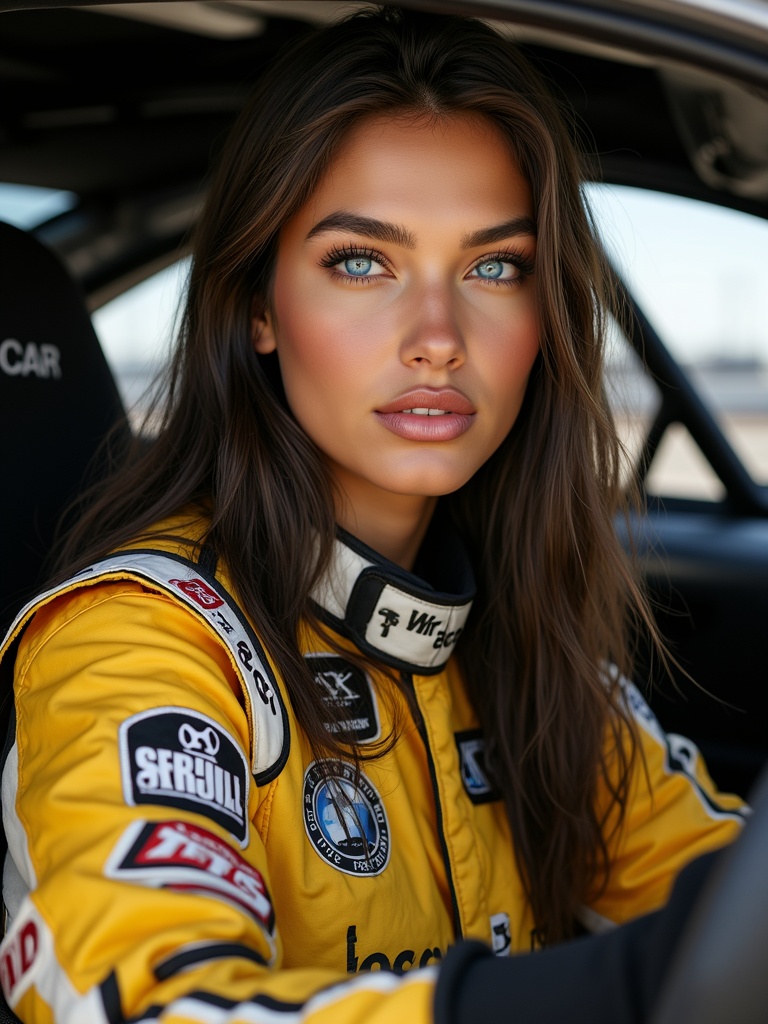
Bullet Time — hero shots
Dramatic freeze-and-rotate effect. Best for hero campaign moments and high-impact ads. Use sparingly.
Auto is fine
If you're unsure, leave motion on Auto. The engine picks based on your prompt. You can always re-render with a specific preset.
Video Guide
Full walkthrough video coming soon
Samples
See what this tool creates
Sample 1
 AI-generated
Sample 2
 AI-generated
Sample 3