
How to make your first UGC ad in 10 minutes
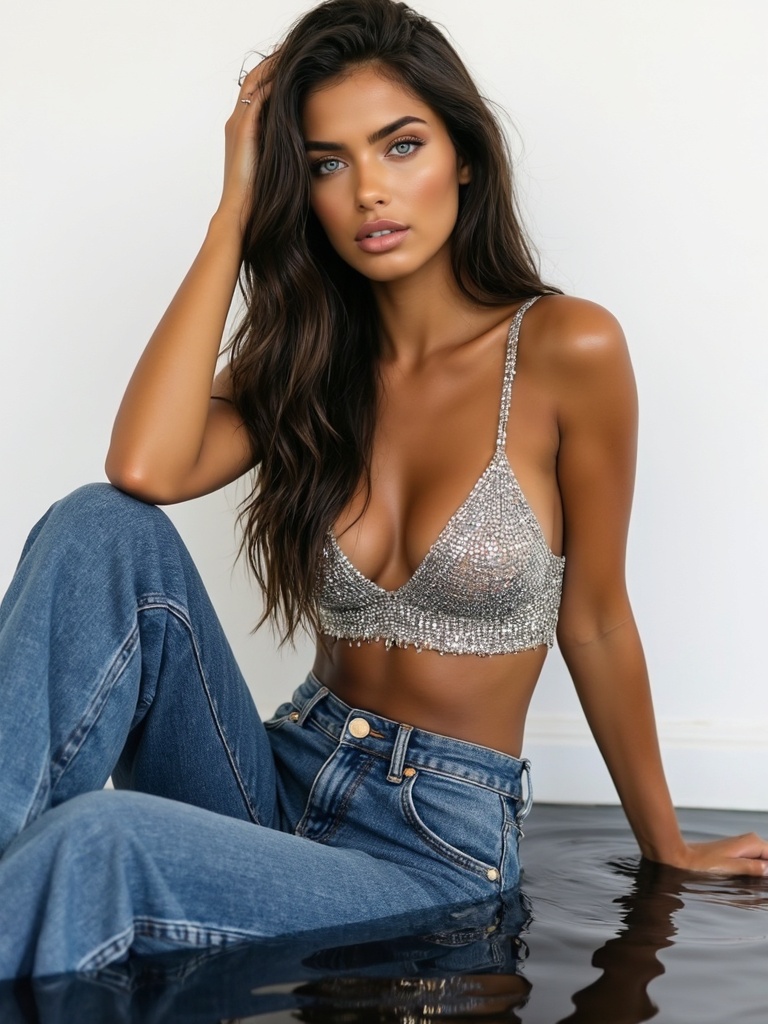 AI-generated
How to make your first UGC ad in 10 minutes
A step-by-step walkthrough to go from nothing to a polished UGC product ad in under 10 minutes.
Introduction
You don't need a studio, a crew, or a product photographer. With a trained model and a product photo, you can generate a UGC-style ad in minutes. Here's the fastest path.
How to Use
 AI-generated
Pick your model
Go to Create Studio and select a ready model from the picker.
Product photo upload
Switch to Product Composite mode
In the Image Studio, select the 'Product Composite' tab. Upload your product photo — a clean, well-lit shot works best.
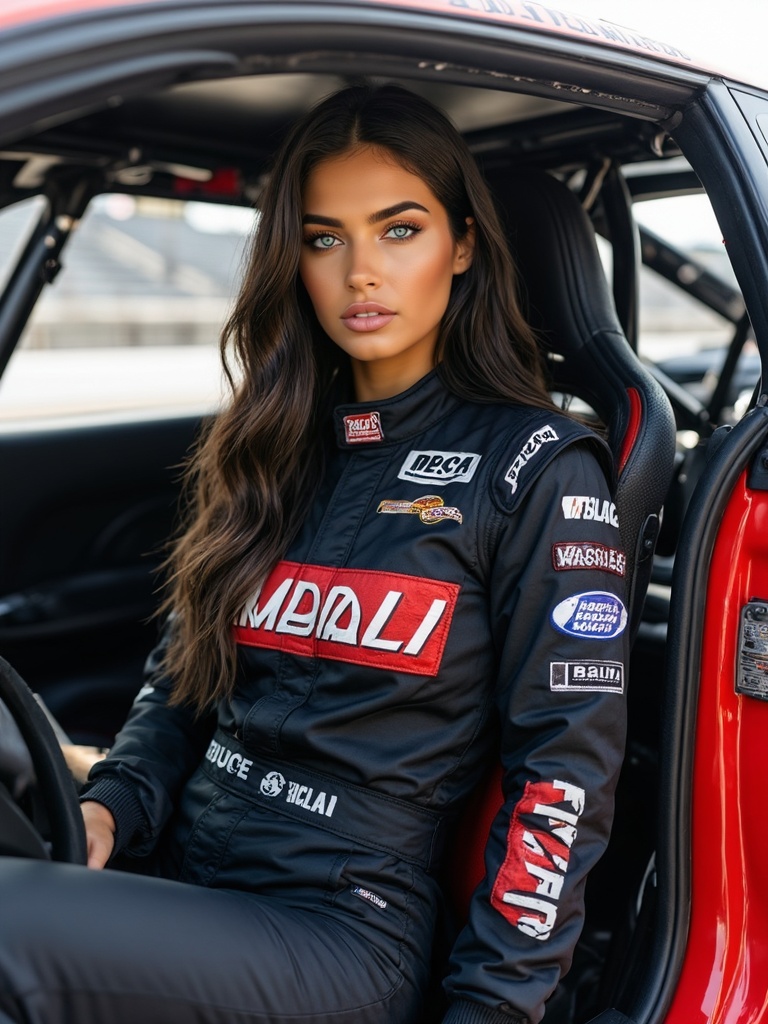 AI-generated
Write a UGC prompt
Try: 'She holds the product with a genuine smile, natural lighting, phone-style selfie angle.' Click Enhance if you want more detail.
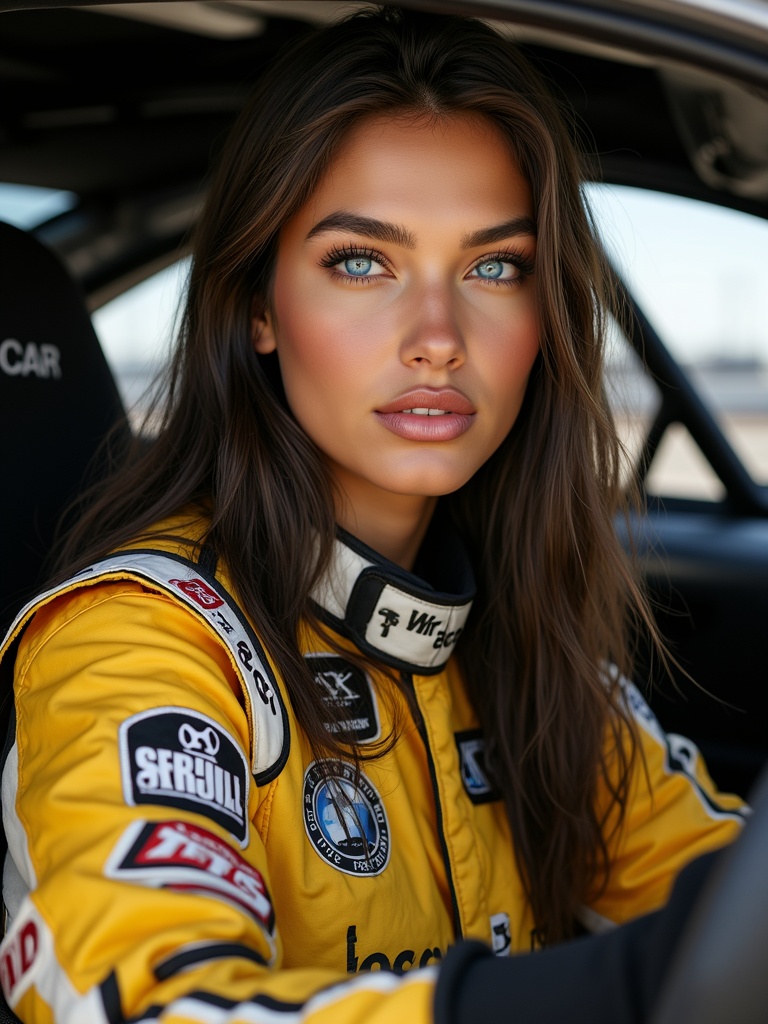 AI-generated
Generate and download
Hit Generate (5 credits). In a few seconds you'll have a UGC-style ad. Download it or send it straight to a board.
Use a clean product photo
A product shot on a white or simple background composites best. Avoid cluttered backgrounds — the model's scene provides the context.
Video Guide
Full walkthrough video coming soon
Samples
See what this tool creates
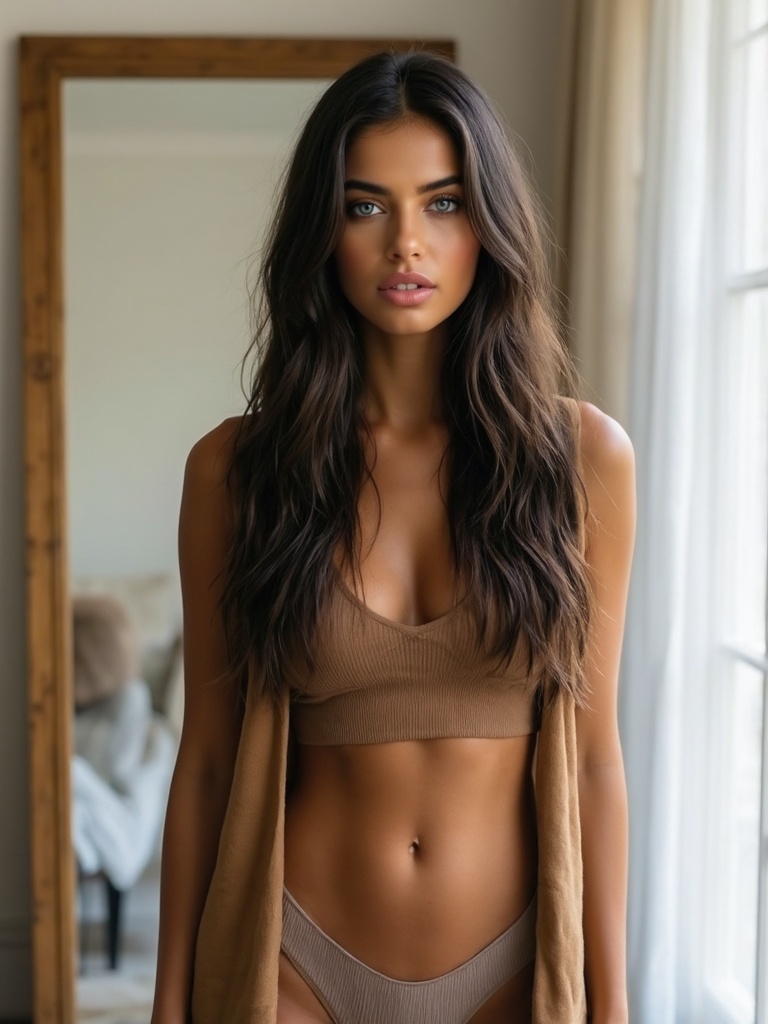 AI-generated
Sample 1
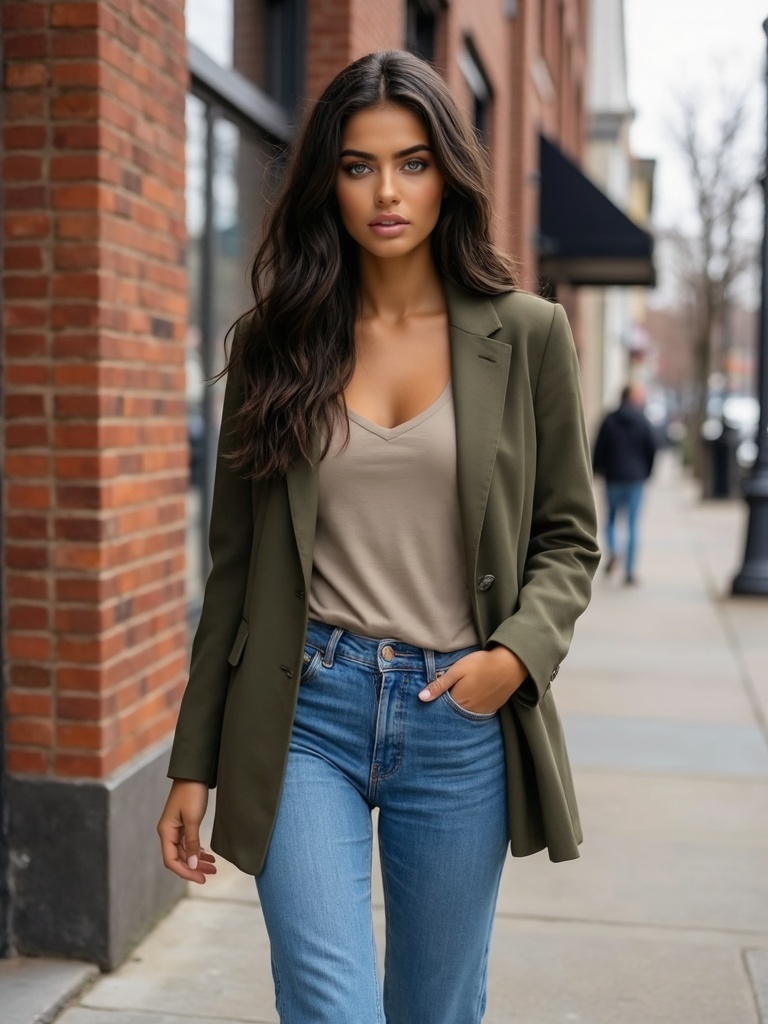 AI-generated
Sample 2
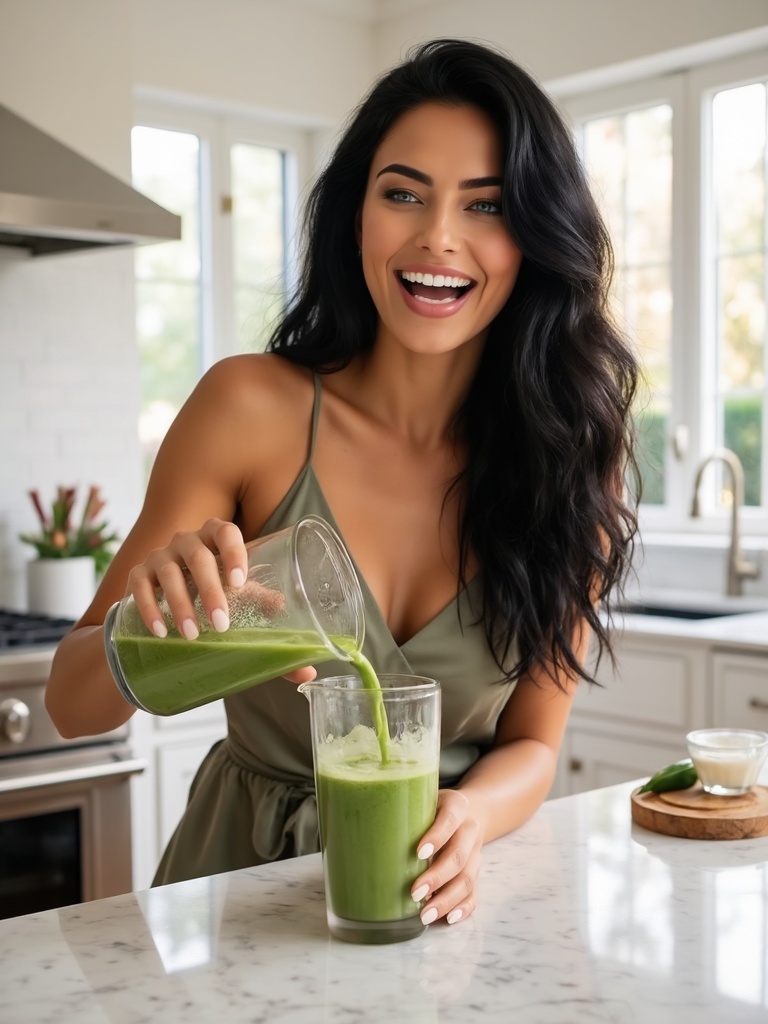 AI-generated
Sample 3