Create Studio: Images
 AI-generated
Create Studio: Images
Generate hyperreal images with your model using prompts, format chips, and Signature Spaces — 5 credits per image.
Introduction
The Image Studio is where most content begins. You pick a trained model, write a prompt describing the scene, choose an aspect ratio and shoot location, then generate. Every image gets real skin texture and natural lighting automatically.
How to Use
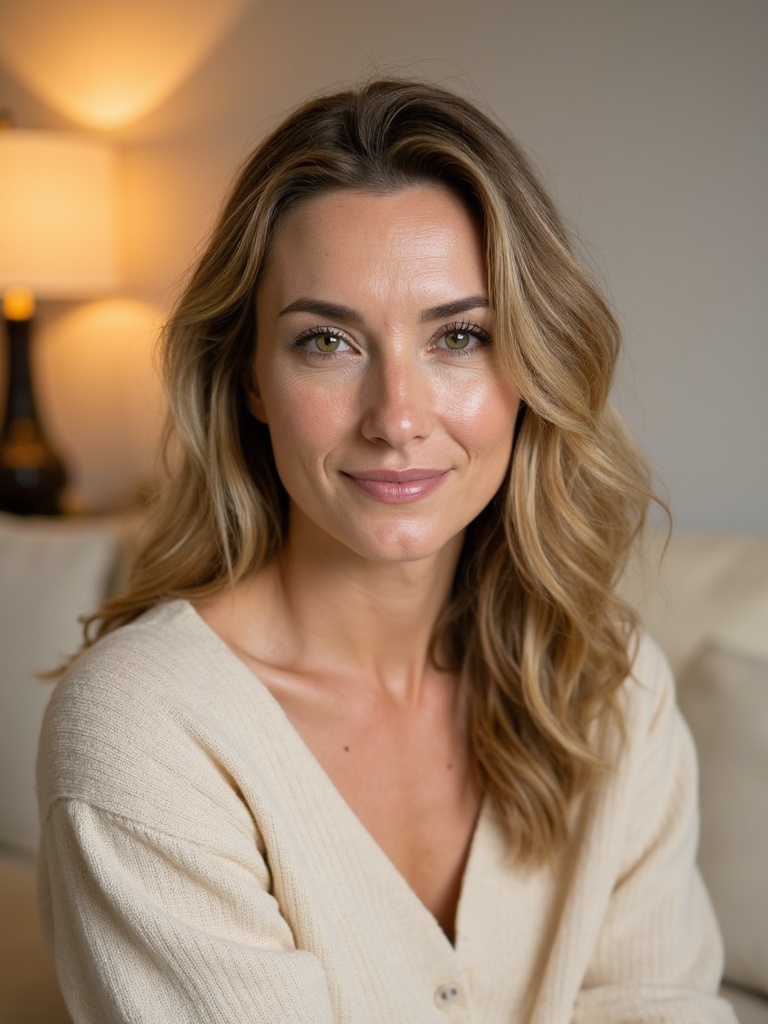 AI-generated
Pick your model
Select from your ready models in the Model Picker at the top. Only models with status 'ready' can be used.
Prompt field with Examples & Enhance
Write a prompt
Describe the scene you want. Use the Examples chips for inspiration, or click Enhance to expand a short prompt into a detailed one.
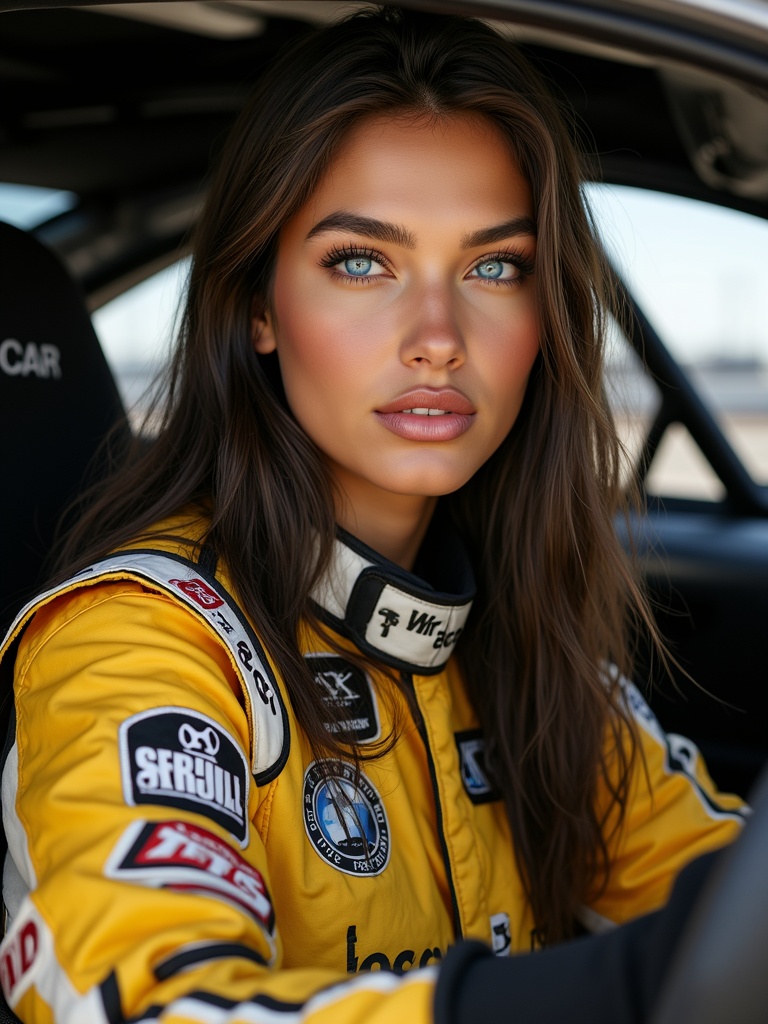
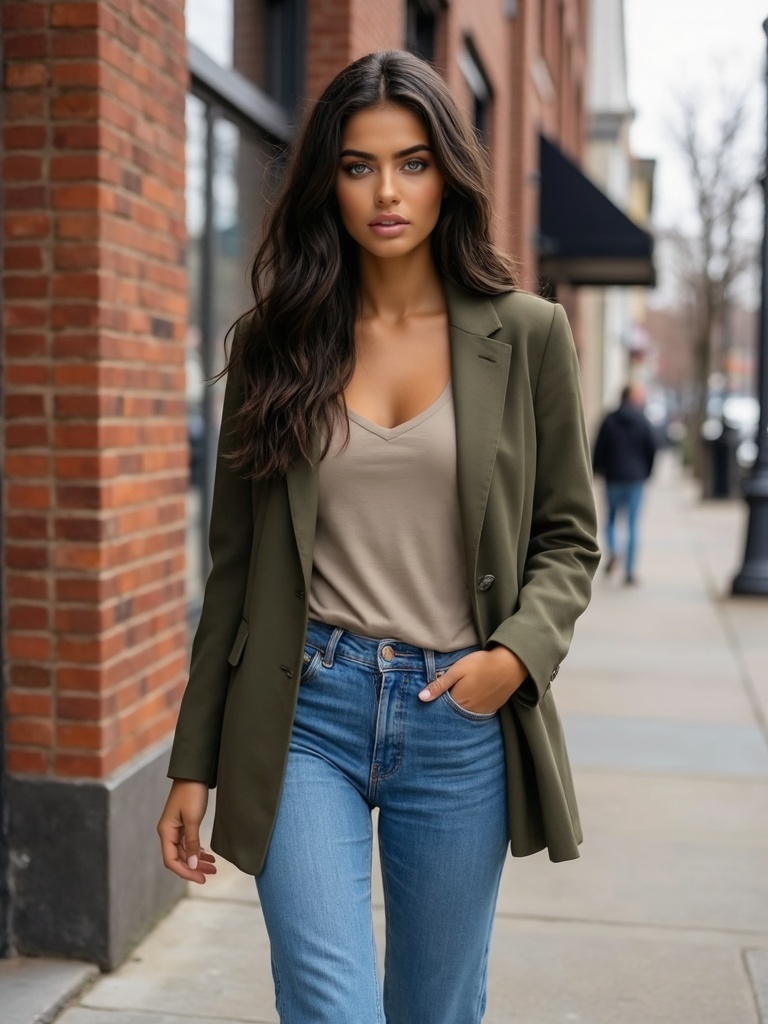 AI-generated
Choose format and location
Pick an aspect ratio (4:3, 1:1, 16:9, 9:16). If your model has Signature Spaces, pick one for a consistent backdrop — great for UGC.
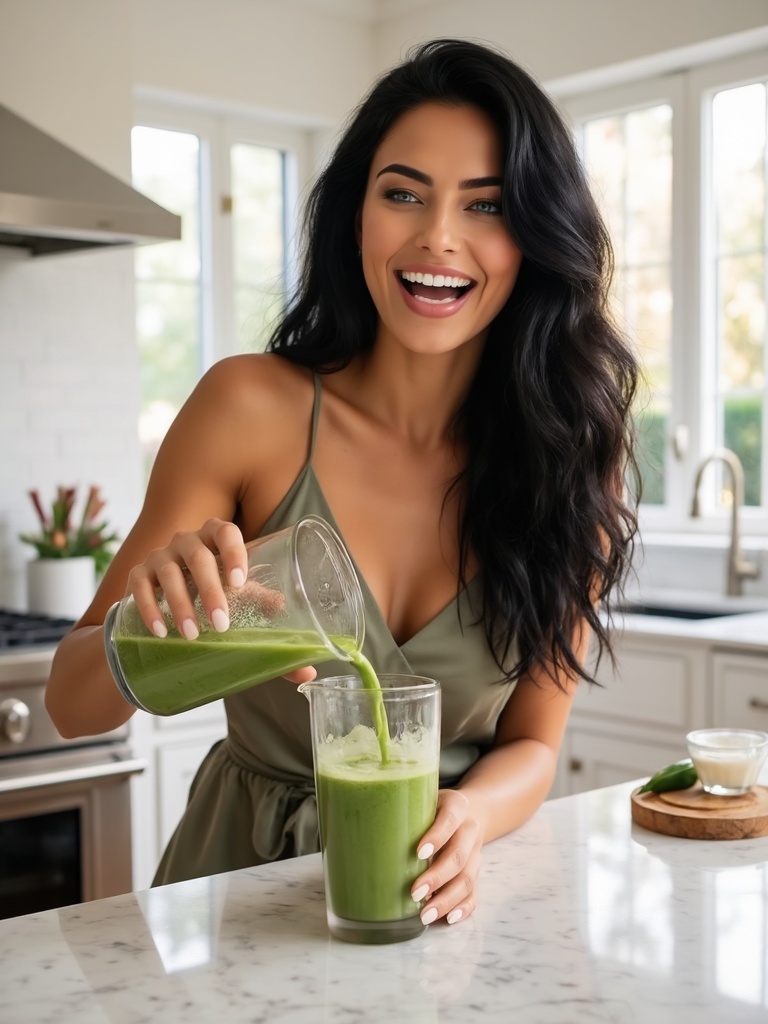 AI-generated
Generate
Each image costs 5 credits. Generation takes a few seconds. Results appear in the right panel and are saved to your Generations page.
Pick a Signature Space
Signature Spaces give your model consistent, recognizable backdrops — perfect for recurring UGC series or brand campaigns.
Safety filter refunds
If a prompt is blocked by the safety filter, your credits are automatically refunded. You'll see a moderation message in the results panel.
Video Guide
Full walkthrough video coming soon
Samples
See what this tool creates
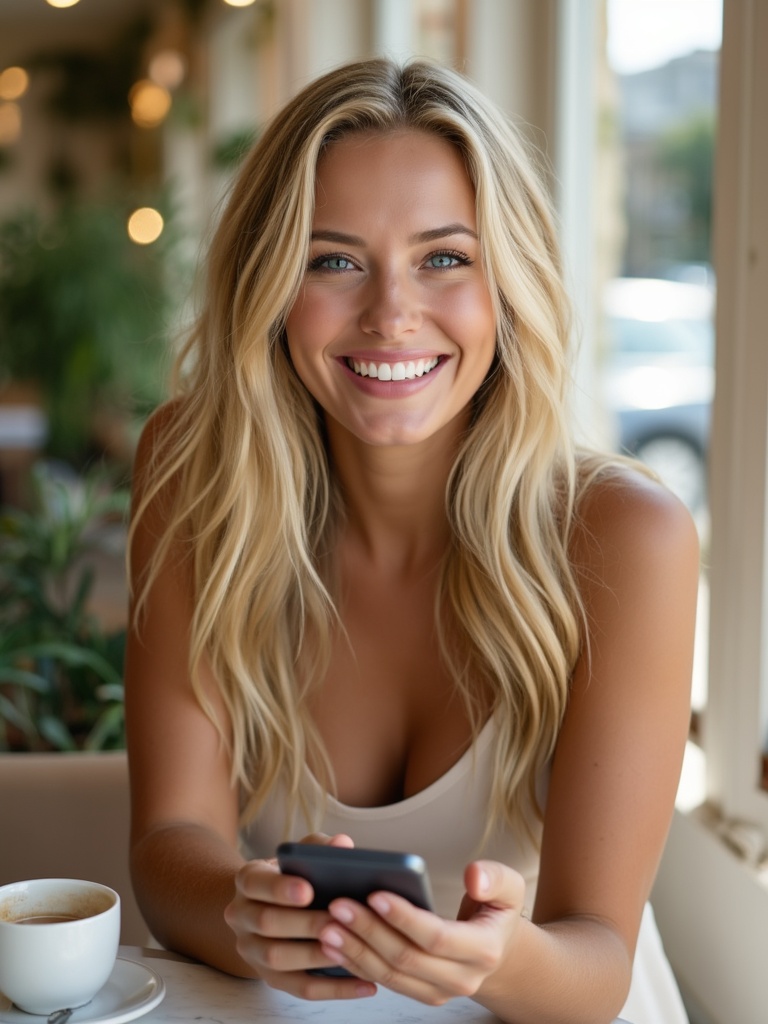
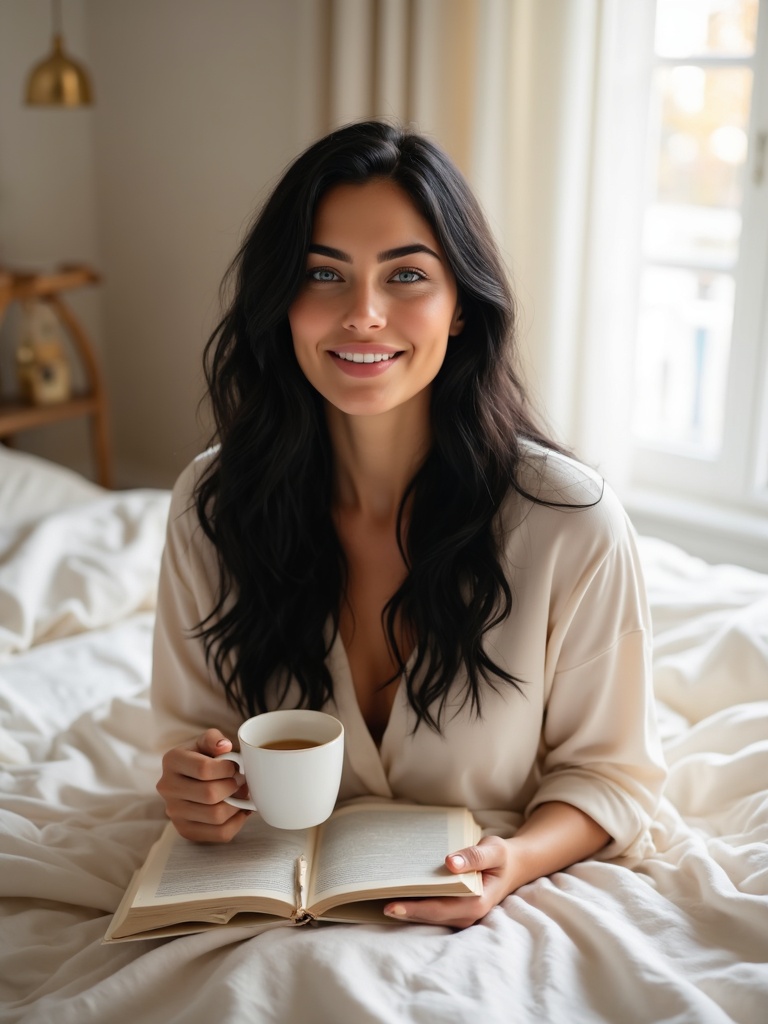 AI-generated
Sample 1
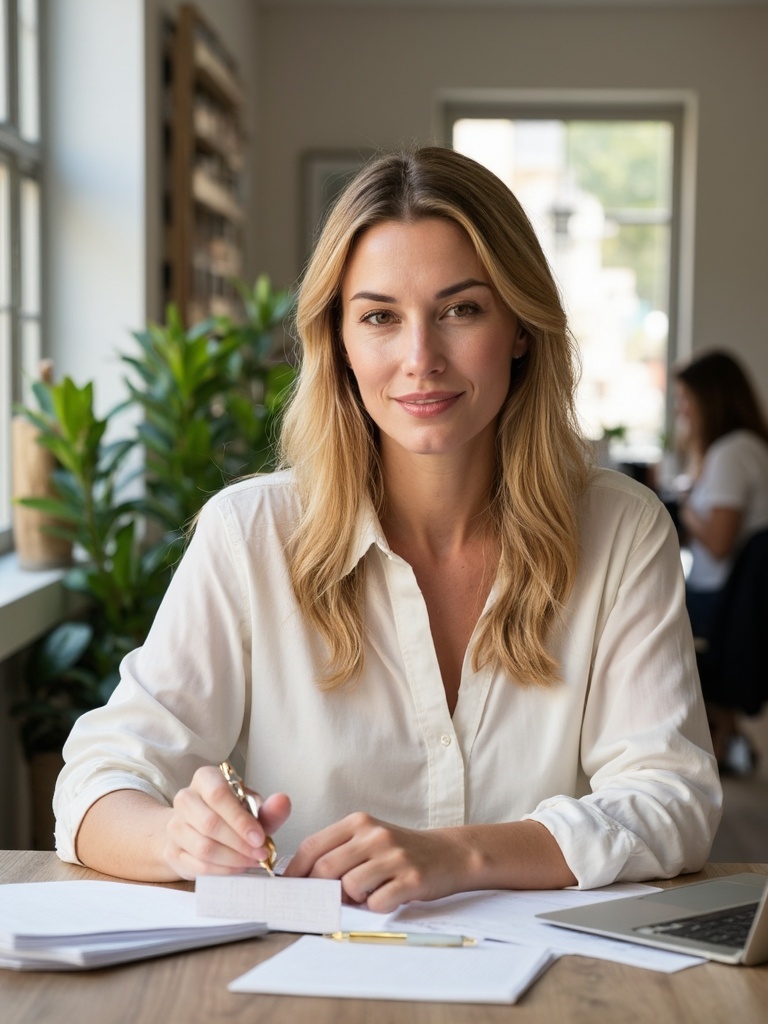
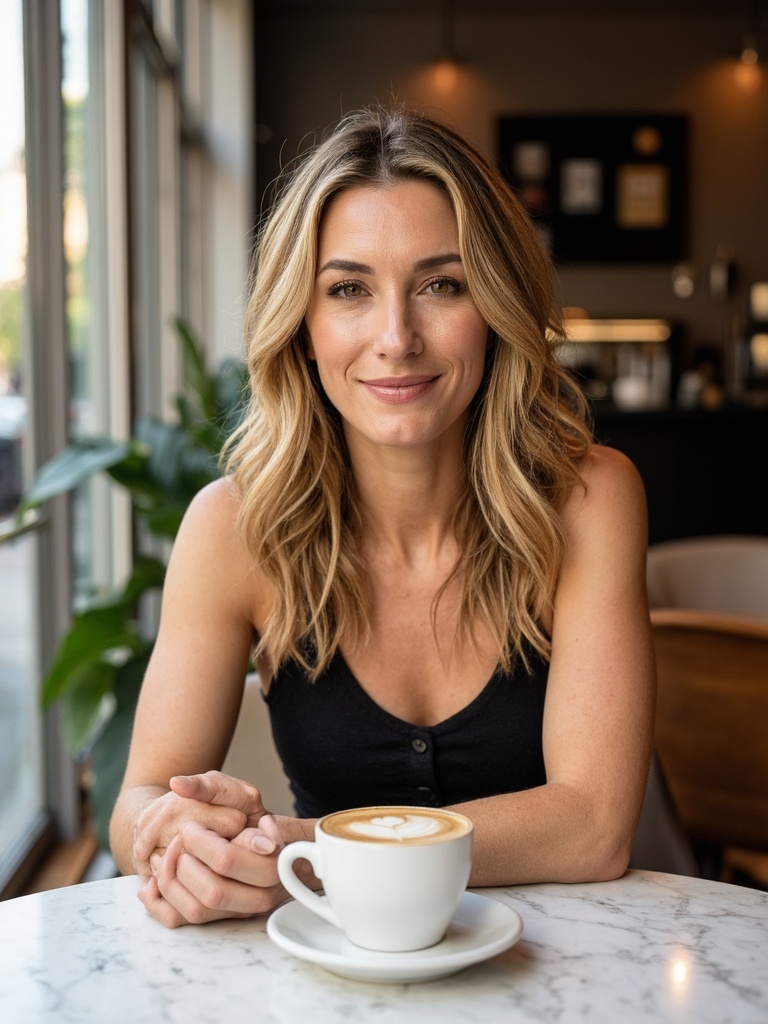 AI-generated
Sample 2
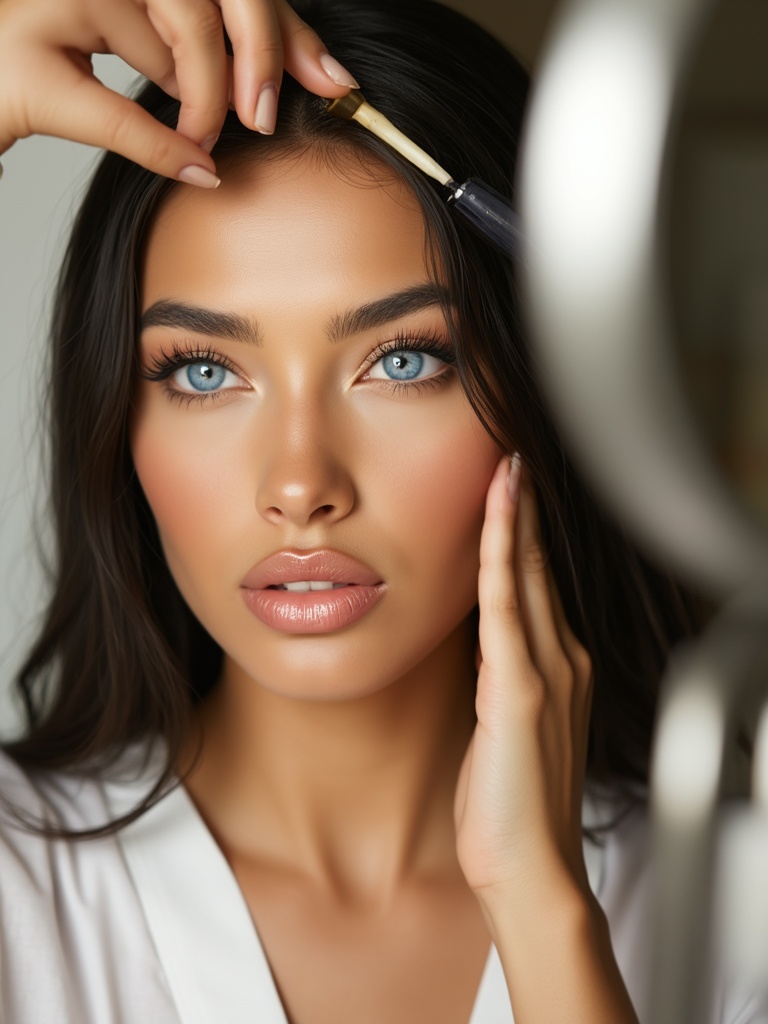
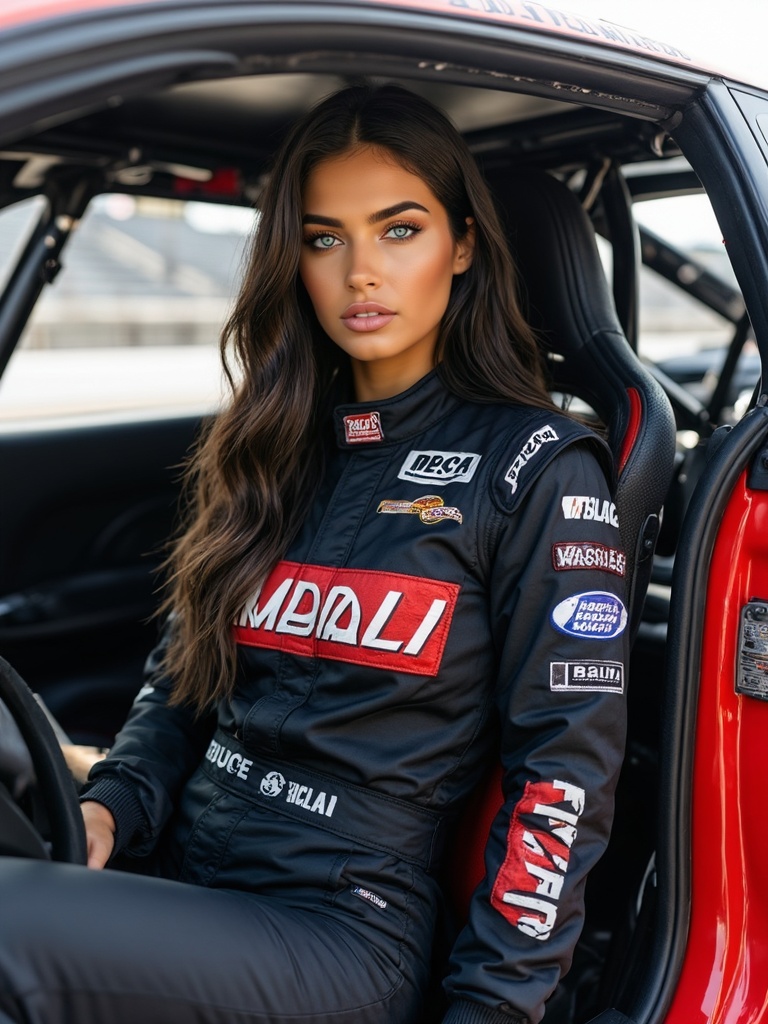 AI-generated
Sample 3