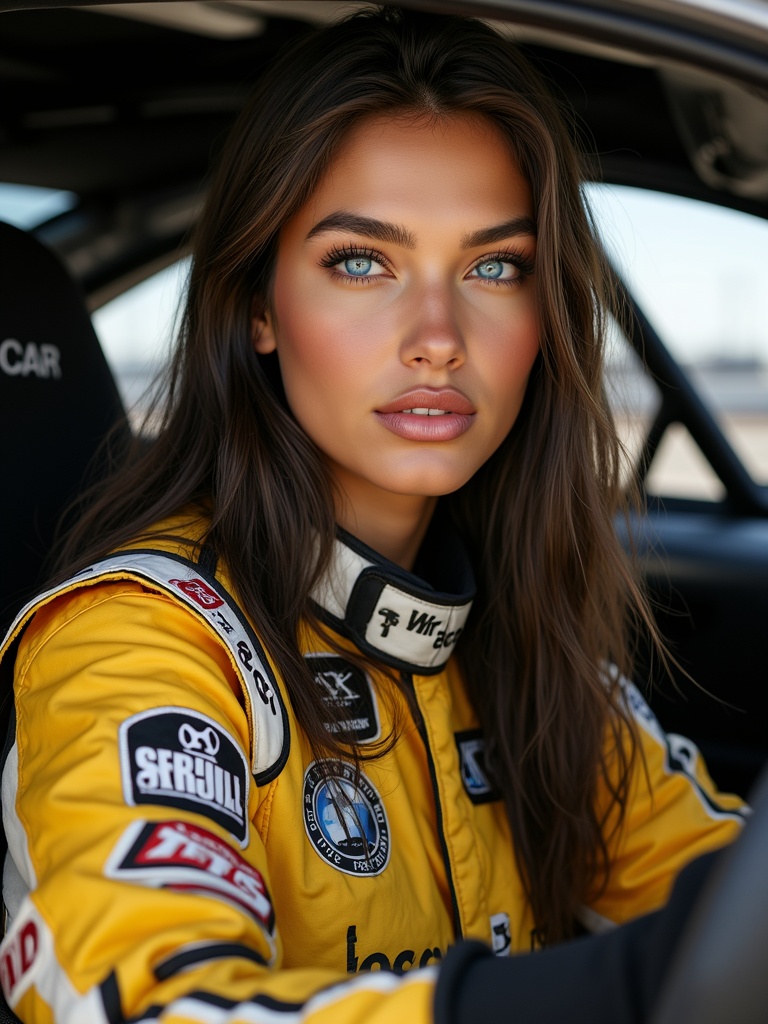
Create Your AI Model
 AI-generated
Create Your AI Model
Create a unique, photorealistic AI model you own — by description or photo upload — then train her identity in one session.
Introduction
Every model on ViralModel starts the same way: you define her look, sign consent, and run one training session. After that, she's yours — a consistent, reusable identity you can place in any scene, any product shot, any video.
How to Use
 AI-generated
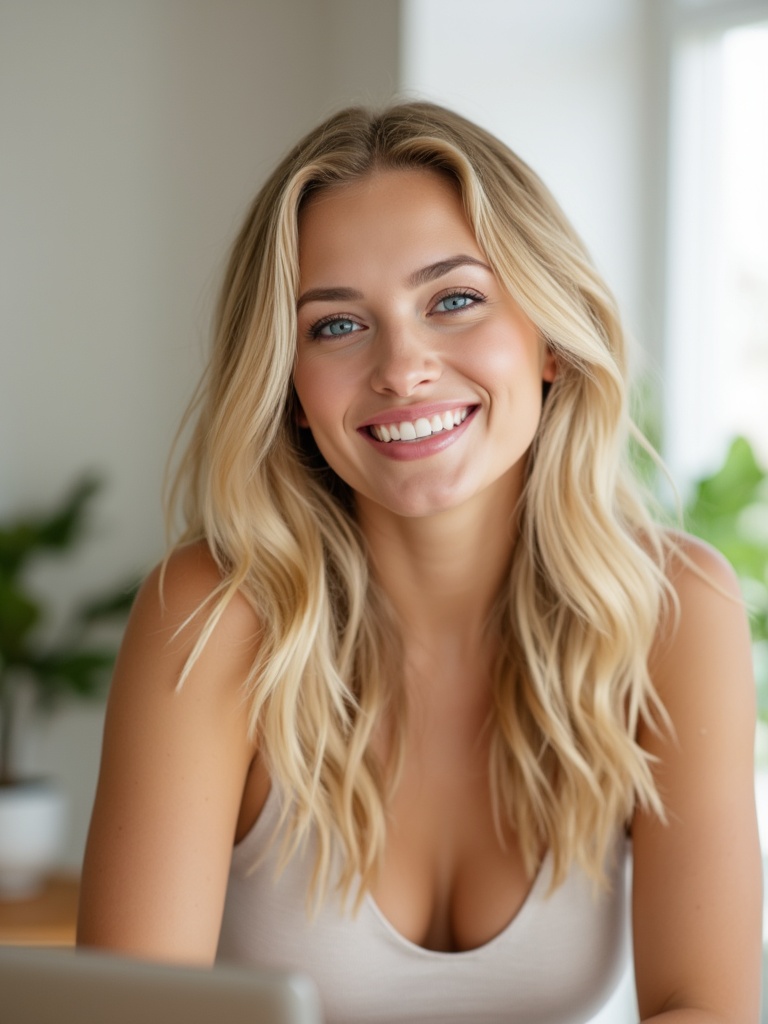
Describe her look or upload photos
Open the model creation wizard. You can either describe her appearance in words (hair, eyes, build, style) or upload 10–20 photos of a person you have rights to. The generator produces a unique, photorealistic model from either input.
Consent form — review & sign
Sign the consent form
Before training begins, you must sign a consent acknowledgement. This confirms you have the rights to the likeness being trained and agree to the platform's usage terms.
 AI-generated
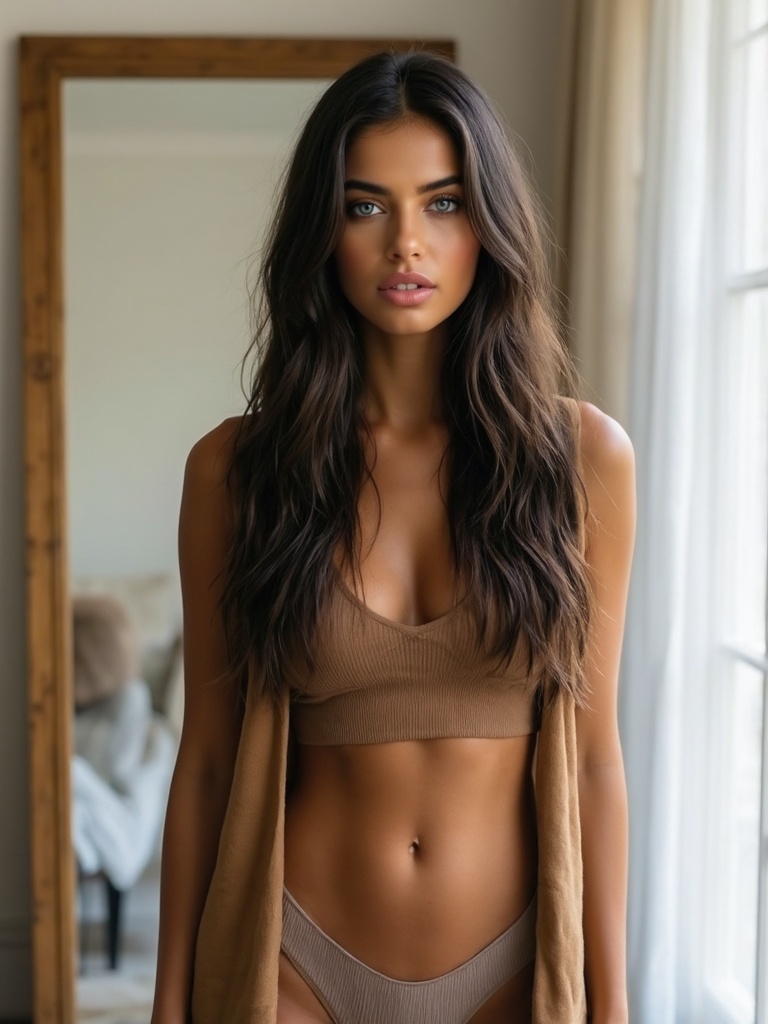
Train her identity
Training costs 100 credits and takes about 20–30 minutes. The platform runs LoRA training, which locks her facial identity so she looks the same across every future generation.
 AI-generated
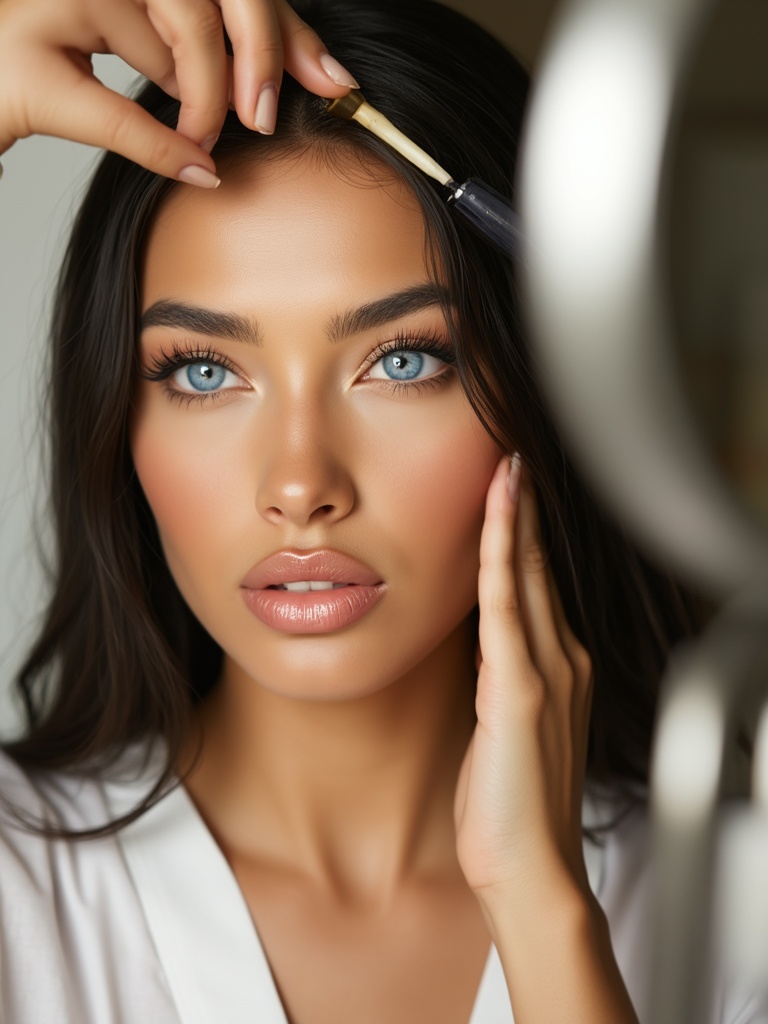
Set identity anchors
Identity anchors are reference points that keep her consistent. Once training completes, her anchors are saved automatically — you don't need to manage them manually.
Consent is required
You cannot train a model or clone a voice without signing the consent form first. This protects both you and the platform.
Video Guide
Full walkthrough video coming soon
Samples
See what this tool creates
 AI-generated
Sample 1
 AI-generated
Sample 2
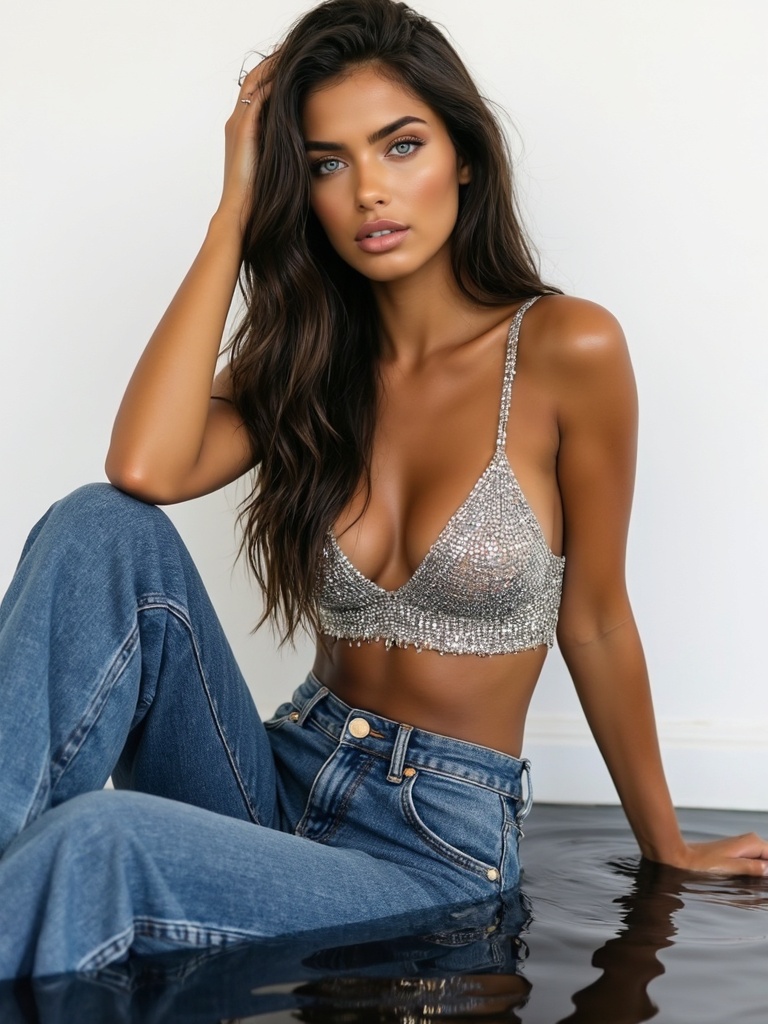 AI-generated
Sample 3