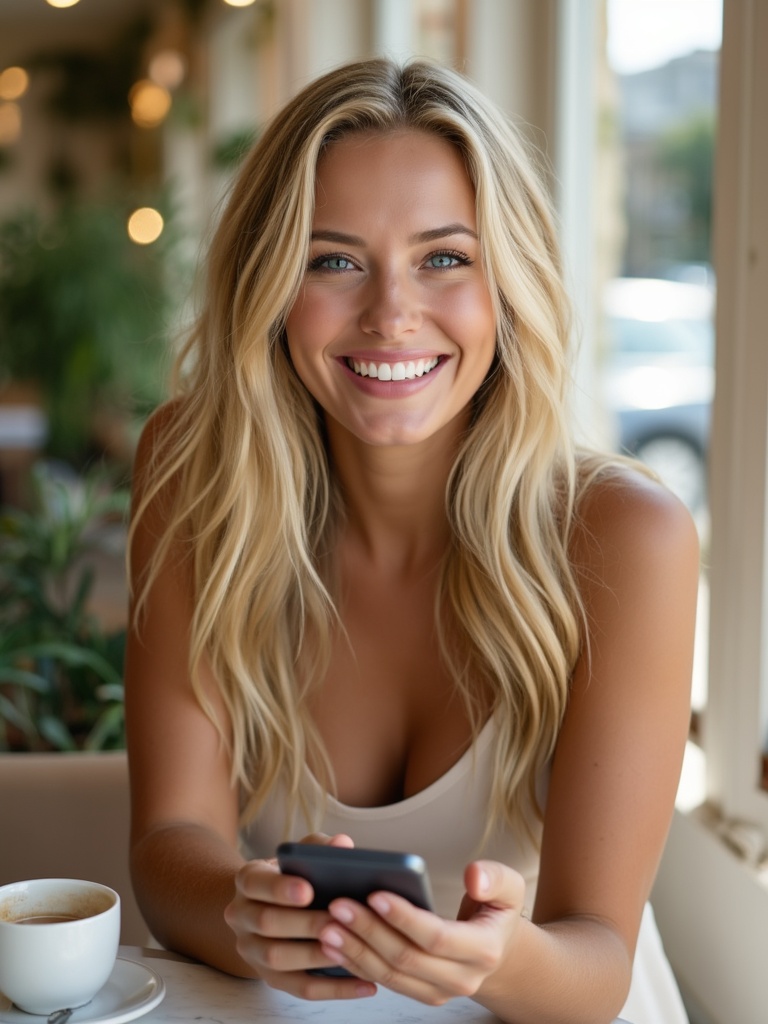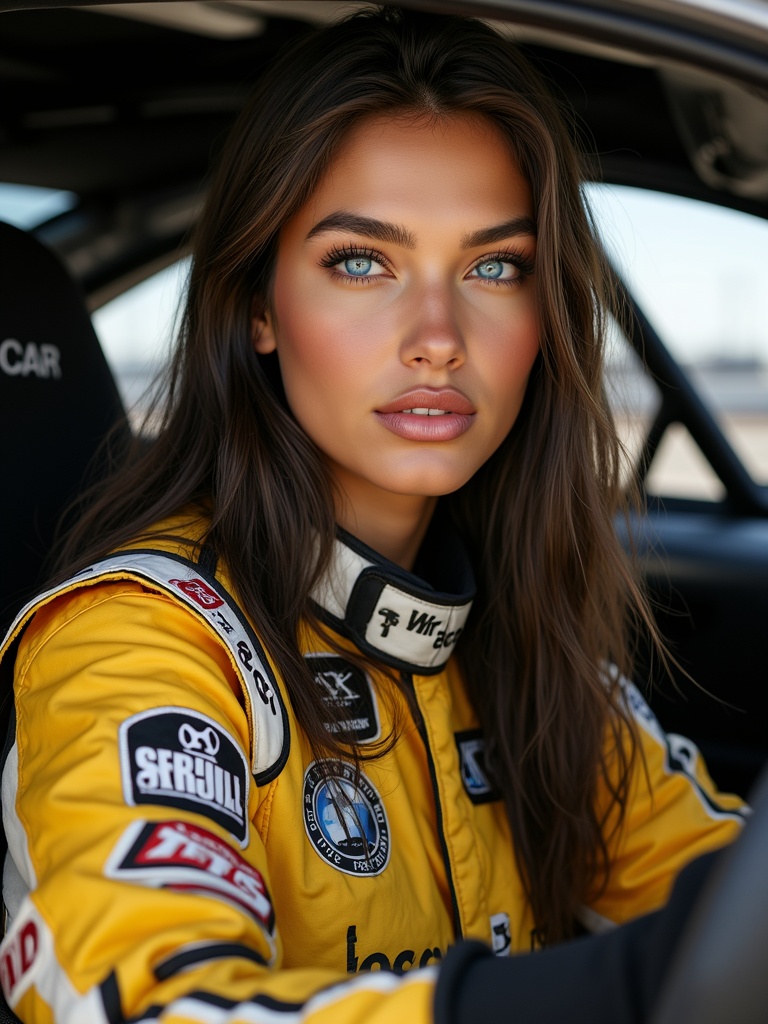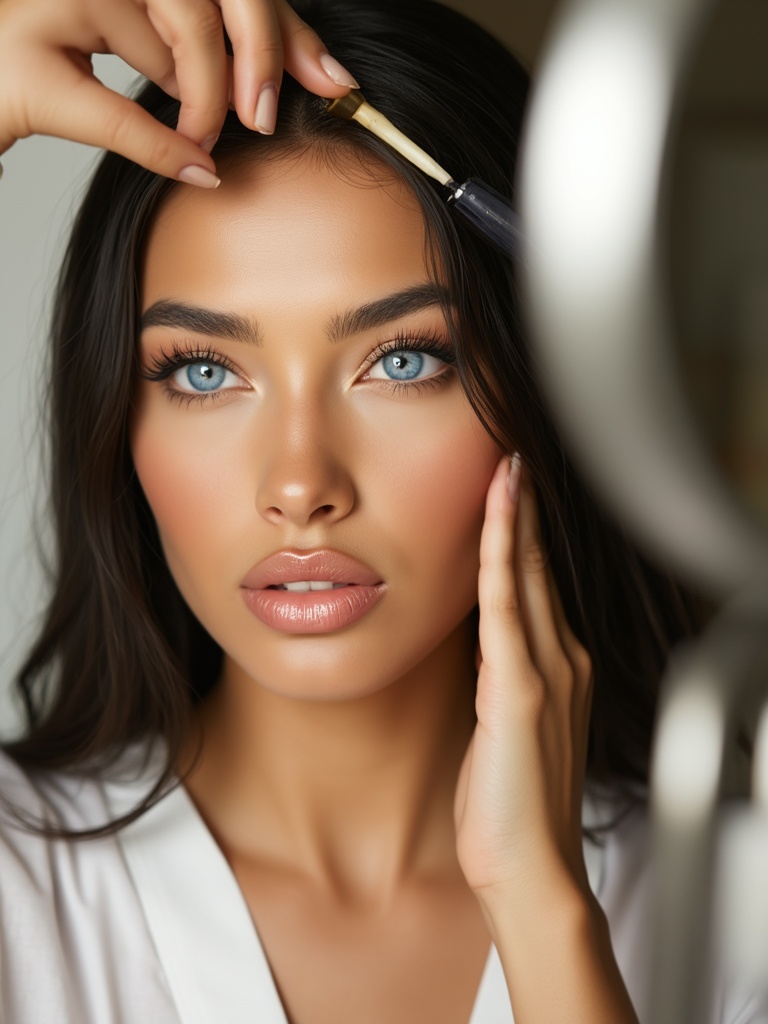
Create Studio: Videos
 AI-generated
Create Studio: Videos
Create cinematic videos with your model — image-to-video or text-to-video, with motion presets. 25 credits, 3–6 minutes per render.
Introduction
The Video Studio turns your model into motion. Choose image-to-video (animate an existing photo) or text-to-video (describe a scene from scratch). Renders take 3–6 minutes and land in your Generations page.
How to Use
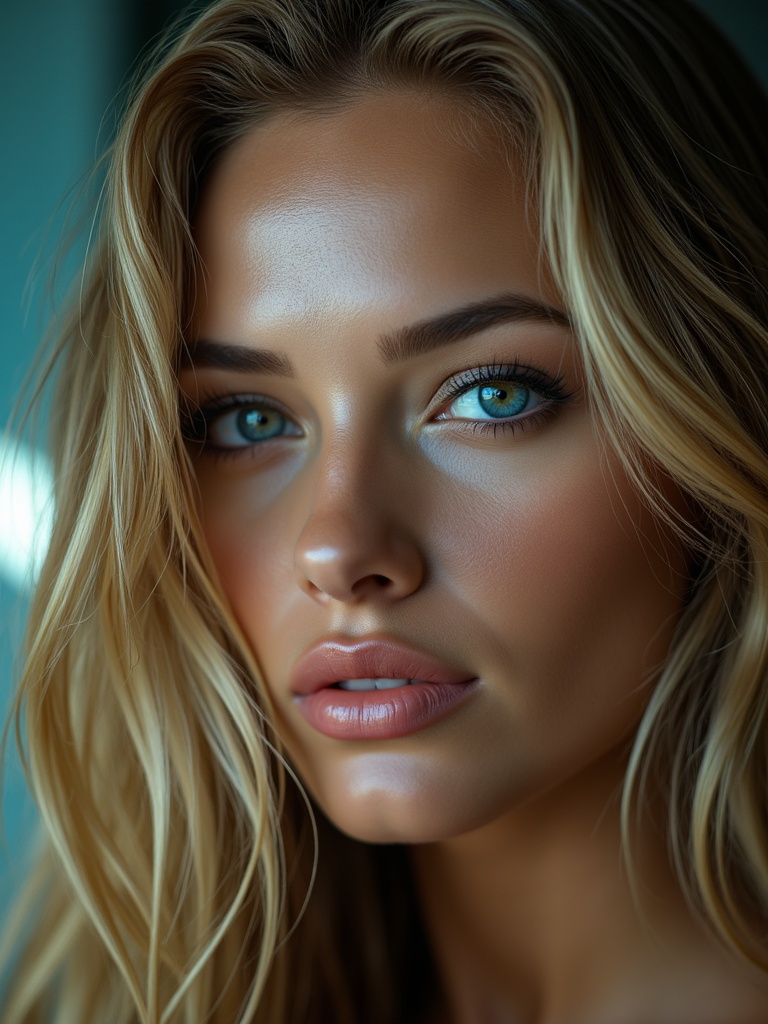 AI-generated
Choose your mode
Image-to-video animates a still photo you select. Text-to-video generates a scene from your prompt — her latest photo automatically anchors her face for identity consistency.
Motion preset chips
Pick motion presets
Choose from Dolly In, Crash Zoom, Orbit, Bullet Time, Push In, Pull Back, or Handheld. Or leave it on Auto and let the engine decide.
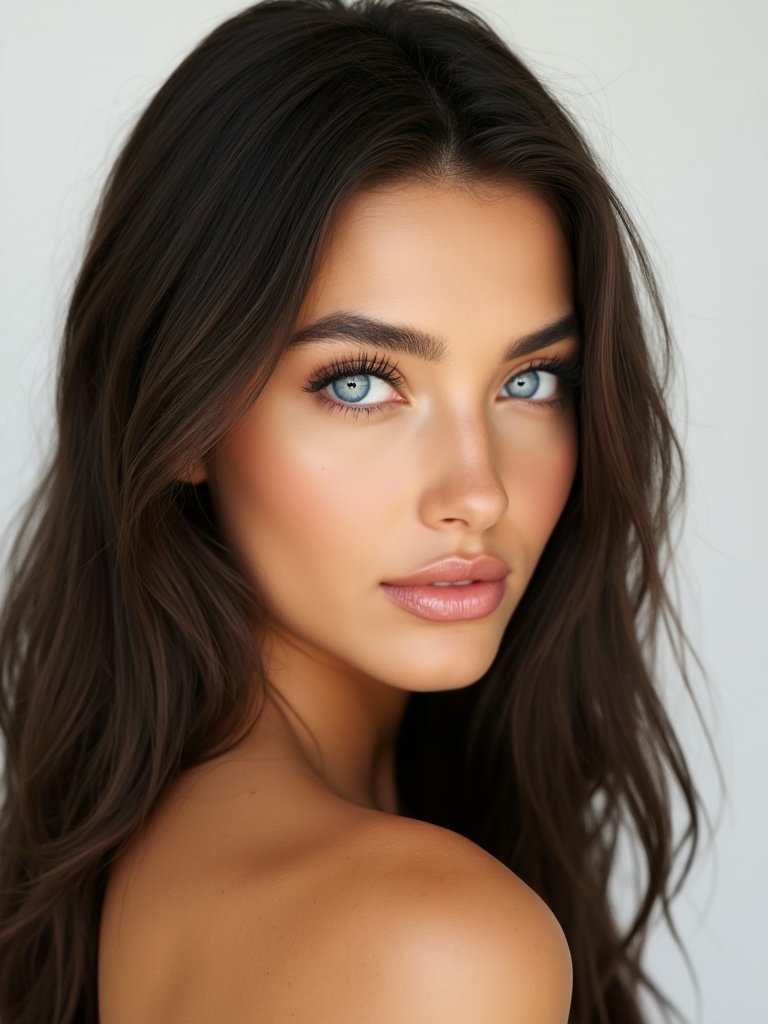 AI-generated
Set aspect and duration
Pick 9:16 for TikTok/Reels, 16:9 for YouTube, or 1:1 for feed posts. Duration options are 5s or 10s.
 AI-generated
Generate
Each video costs 25 credits. Renders take 3–6 minutes. If a render fails, credits are auto-refunded. Completed videos appear in Generations.
Failed renders auto-refund
If a video render fails or is rejected by the safety filter, your credits are automatically refunded — no action needed.
Video Guide
Full walkthrough video coming soon
Samples
See what this tool creates
Sample 1
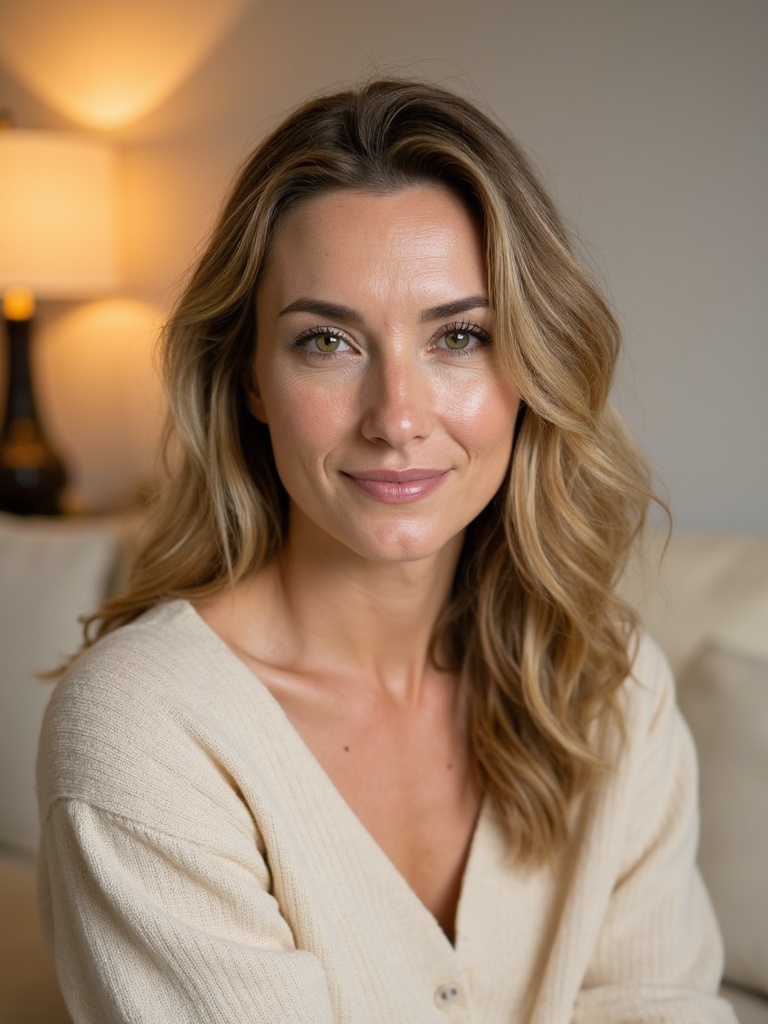 AI-generated
Sample 2
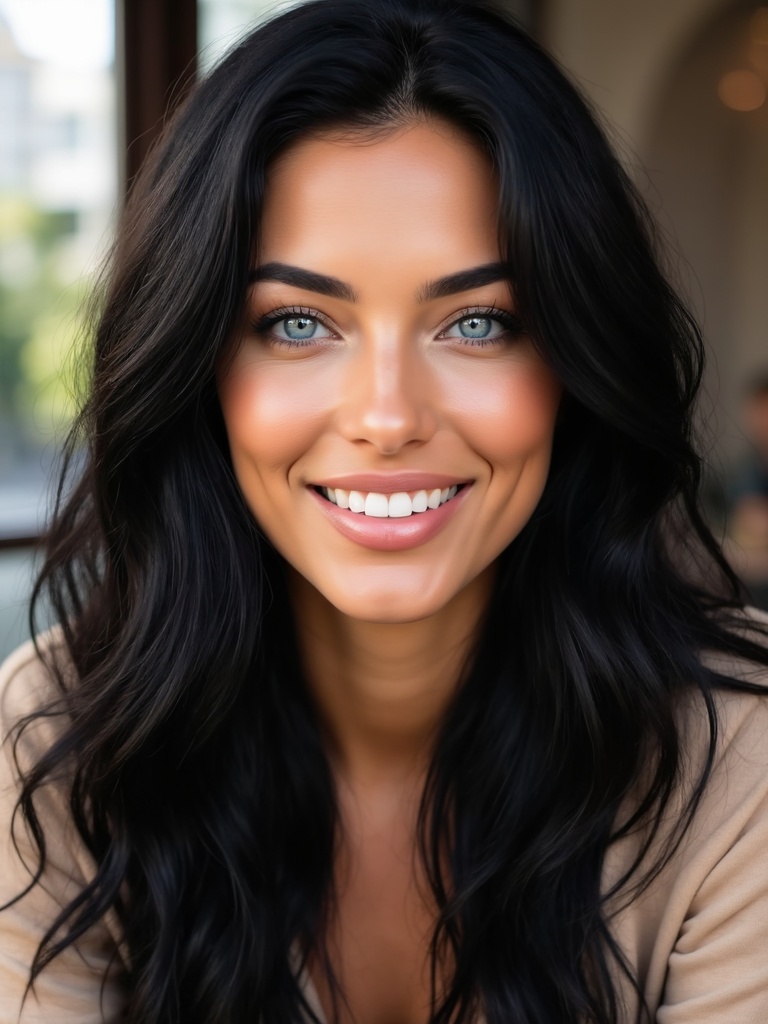 AI-generated
Sample 3